

Get started in three steps
Ready to build your first energy dashboards? Let’s get you up and running with the Rebase Dashboard API quickly and efficiently.Step 1: Install and authenticate
Install the client
Install the client
Install the Rebase Dashboard API client with pip:That’s it! The client is ready to use.
Get your API token
Get your API token
You’ll need an API token to access the Rebase Dashboard API:
- Sign up at dash.rebase.energy
- Navigate to your account settings
- Copy your API token to use in your code
Initialize your client
Initialize your client
Now let’s create your API client:
Step 2: Create your first dashboard
Let’s build a complete energy dashboard workflow. We’ll create a wind farm visualization with weather overlays - a comprehensive example that demonstrates the full power of the platform.2.1 Create a dashboard
Let’s start by creating an empty dashboard that we can build upon: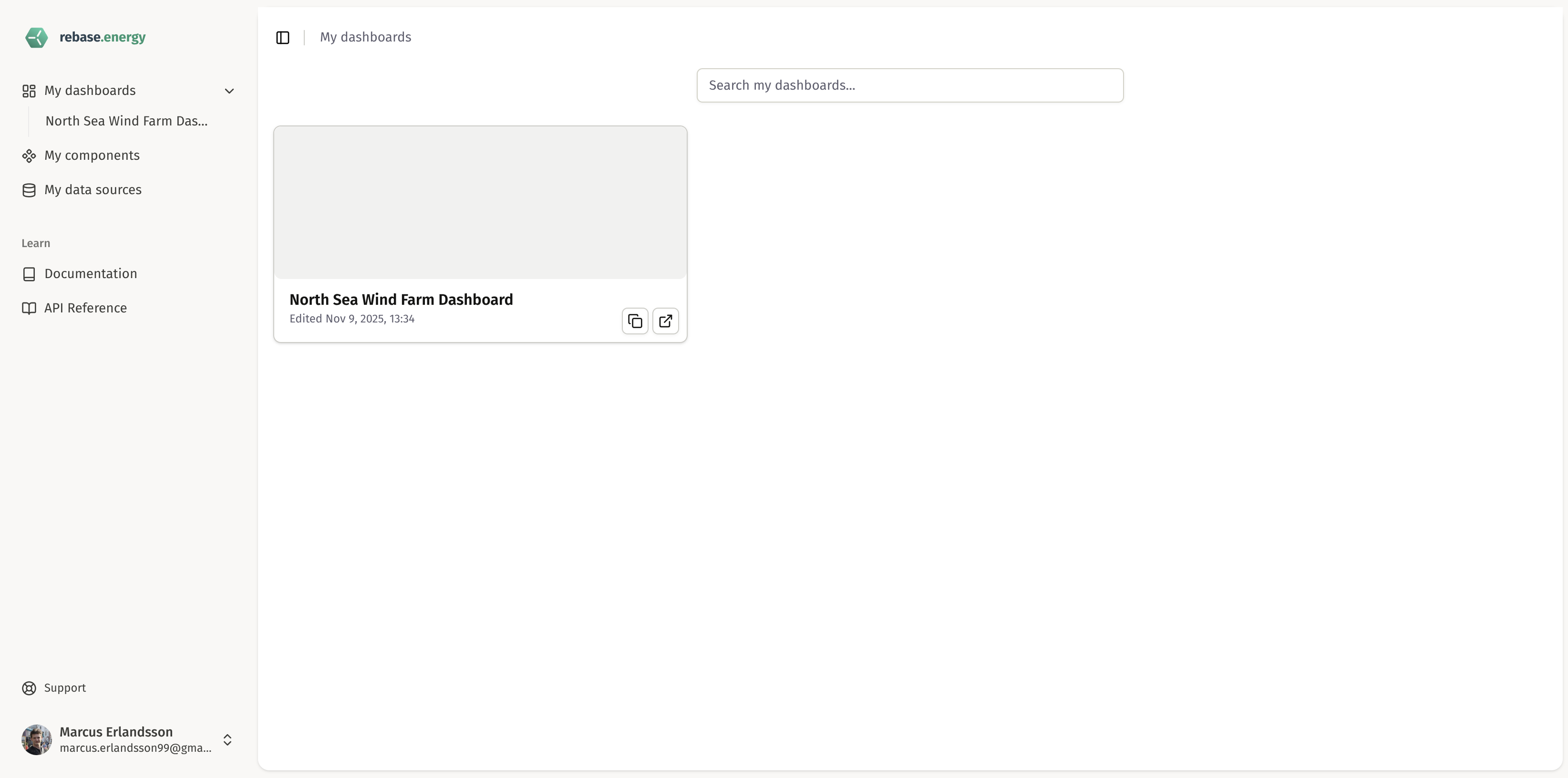
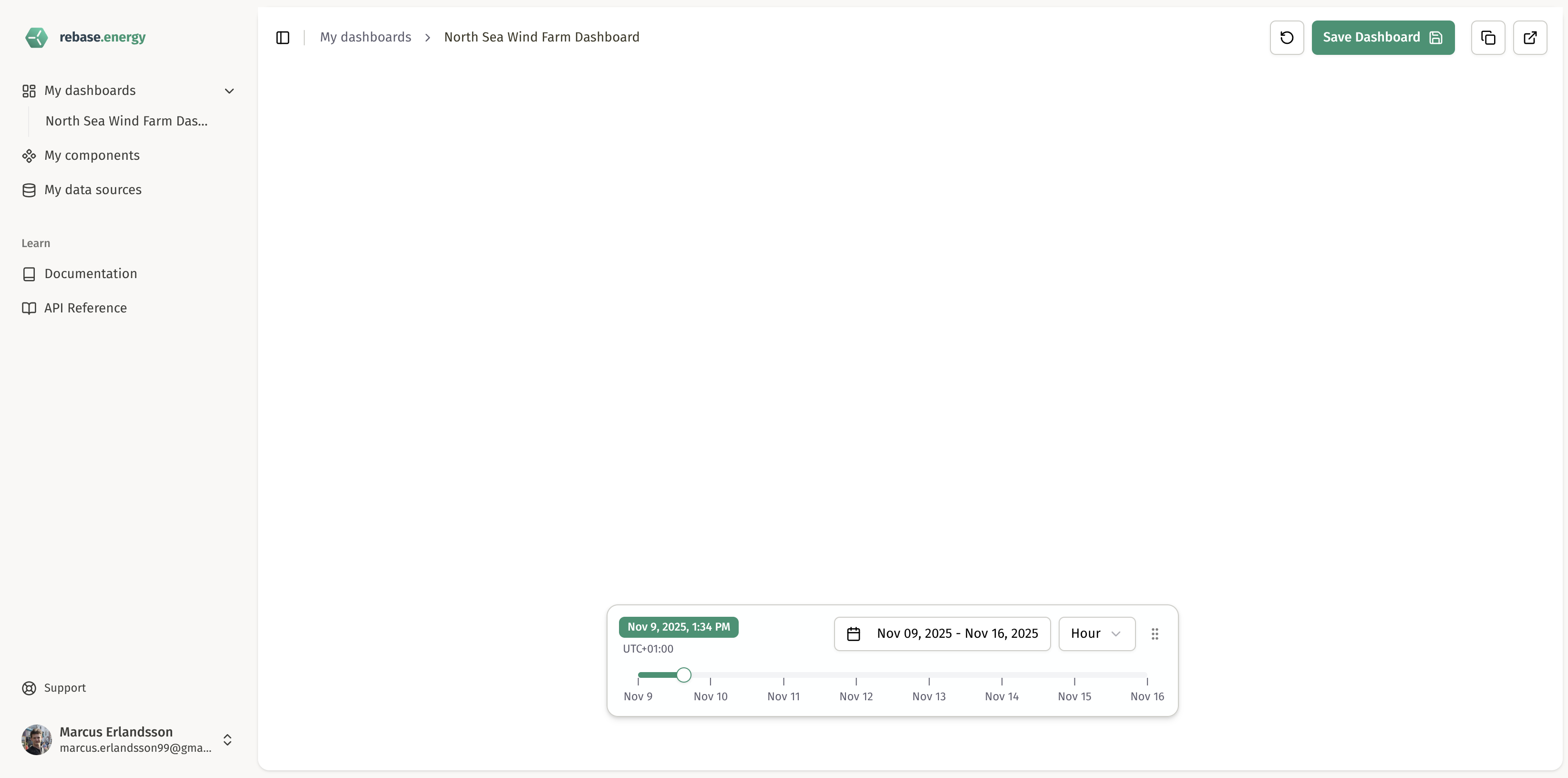
2.2 Create a map component for your dashboard
Let’s begin with a Map component, which can be used to create interactive visualizations with weather data, wind farms and more: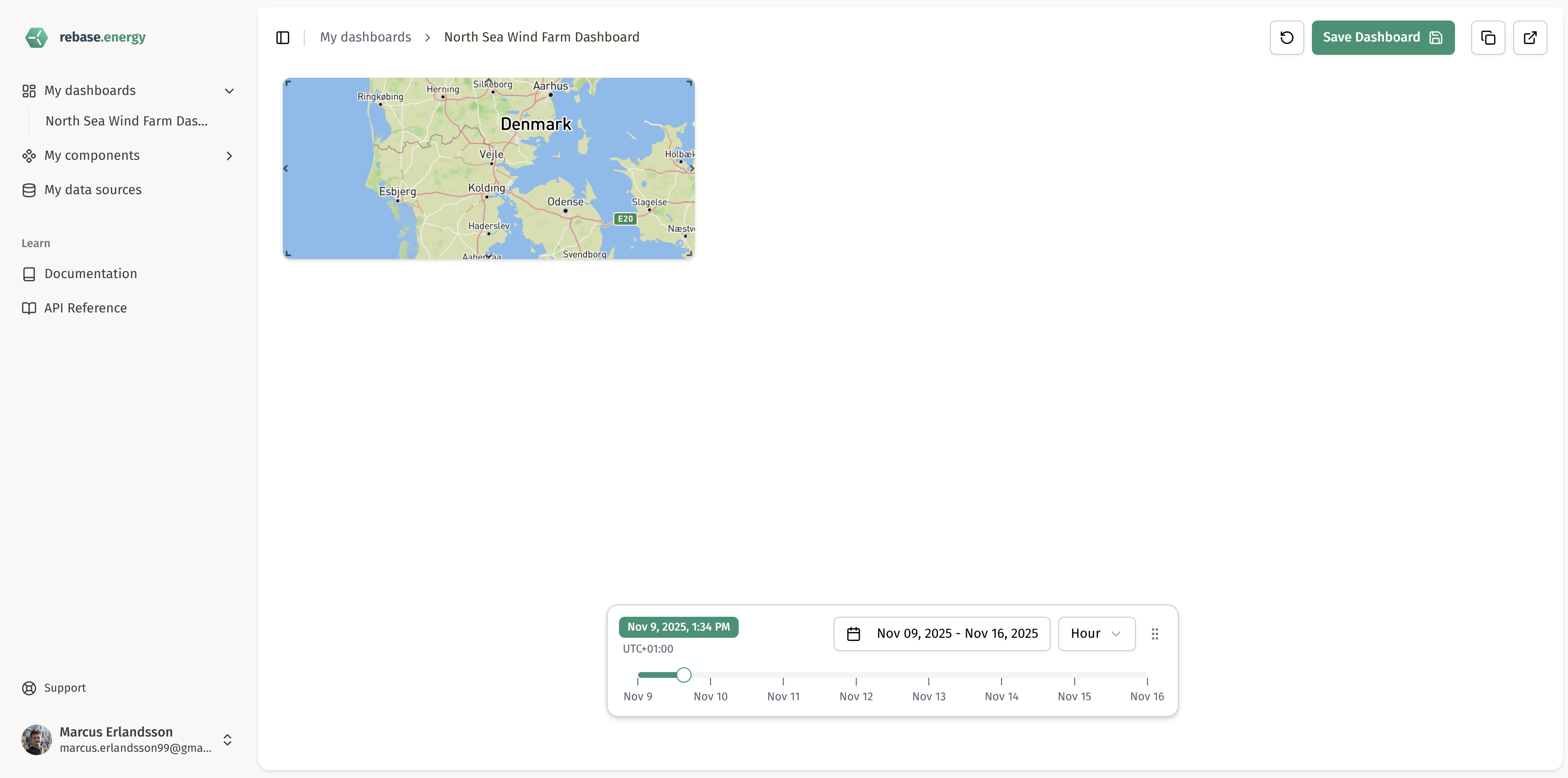
2.3 Create layers for the map component
Layers can be customized to visualize many different types of data and information. Let’s begin by creating a layer for wind data which we can then display with our existing map component: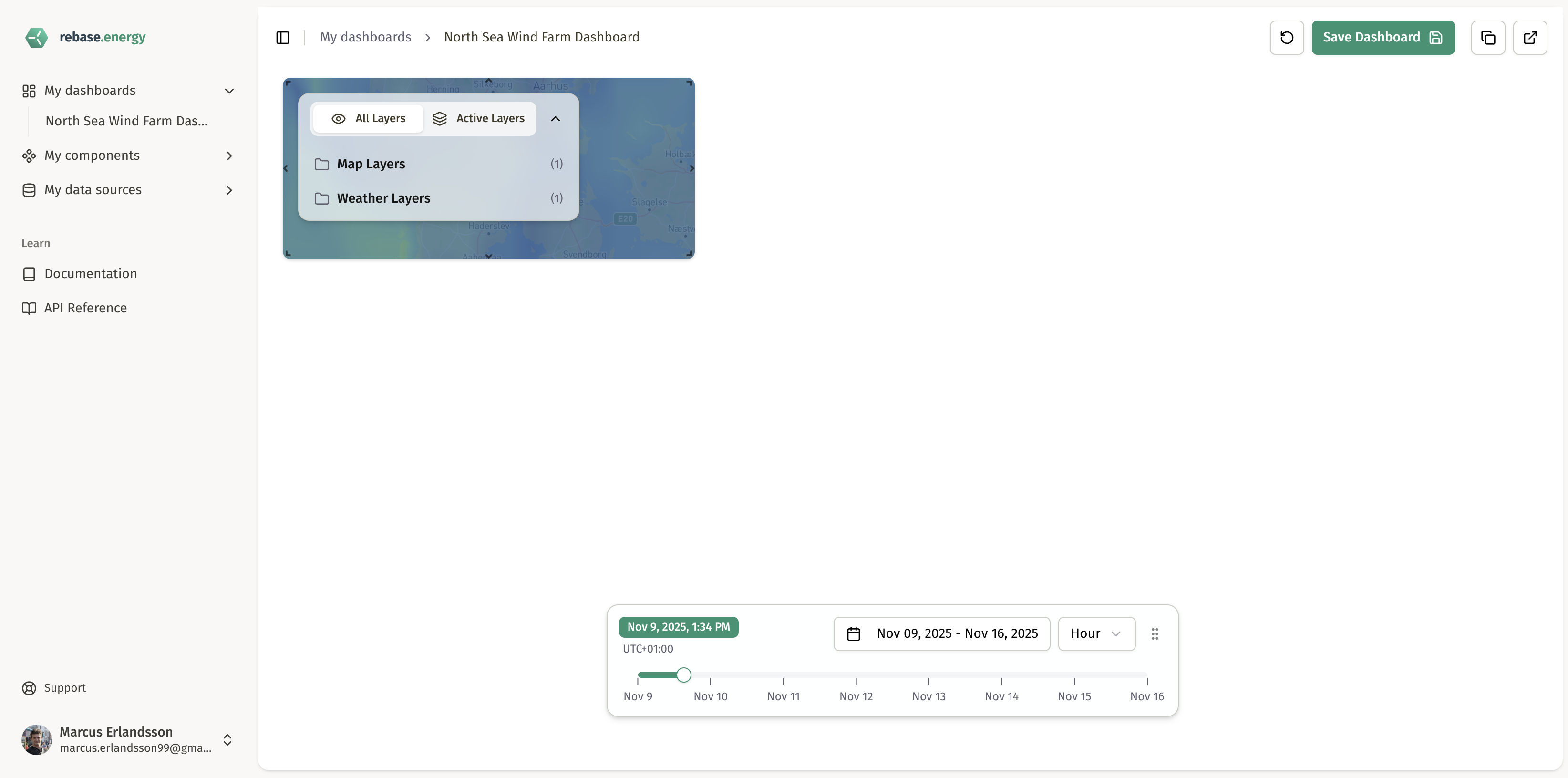
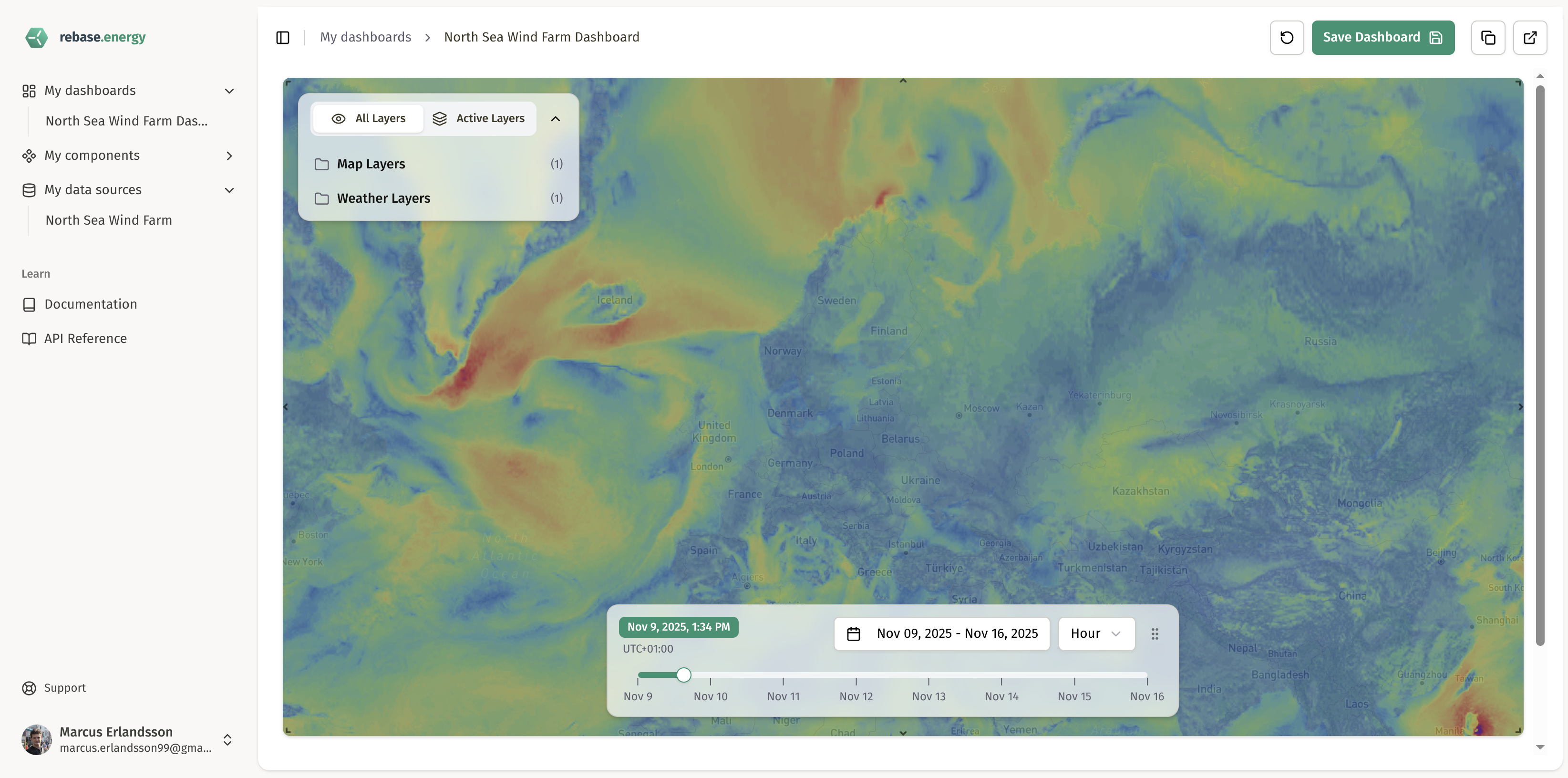
Step 3: View your dashboard
Access your dashboard
Access your dashboard
Your dashboard is now live! Open it in your browser:Once on the web page, log in with your Rebase account and start exploring your new dashboard.
Customize your dashboard
Customize your dashboard
You can now:
- Drag and drop components to rearrange the layout
- Customize chart colors and styling with ECharts options
- Adjust map styles and layer properties
- Add more datasets and components
Key concepts you just learned
Now that you’ve built your first dashboard, learn more about the concepts you just used:Datasets
Store your energy data - timeseries and geospatial. Can be static or live from
external APIs.
Layers
Visualize data on interactive maps and overlay weather data using unified
DeckGL layers.
Components
Build reusable visualization components - maps, charts, and weather displays.
Dashboards
Combine components in drag-and-drop grid layouts for complete energy
monitoring solutions.
Need help? Check out our full API
documentation or join our
community for support and
examples.